 Decoration & Art
 Interior & Furniture
 Blocks & Slabs & Stair
 Characters & Creatures
 Exterior & Architectural
 Nature & Plant
 Environment & Places
 Devices & Equipment
 Animals & Pets
 Science & Technology
 Weapon & Military
 Industrial
 Food & Drink
 Cars & Vehicles
 BDEngine Template
 Aircraft
 Watercraft
 Toys & Plushies
 Cosmetics & Accessories
 Music
Music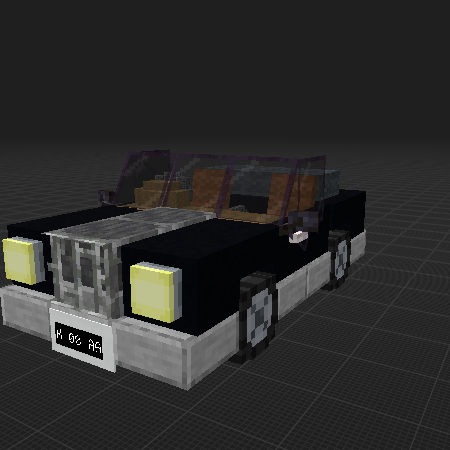

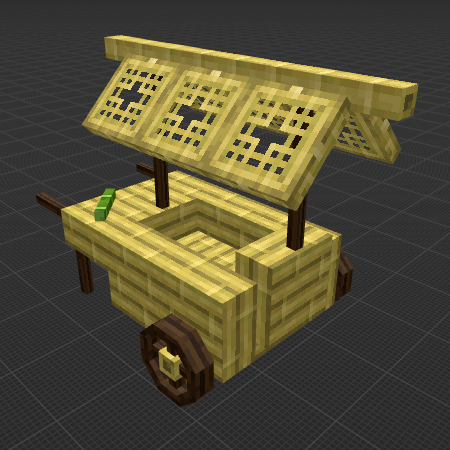
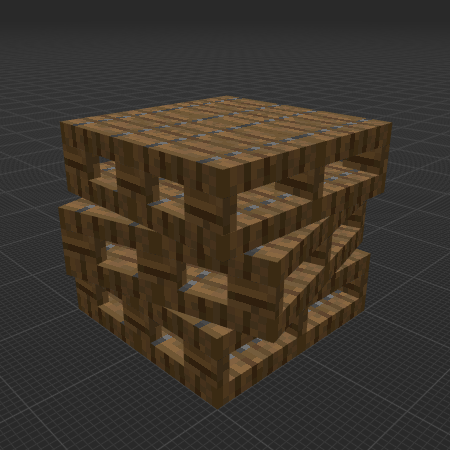
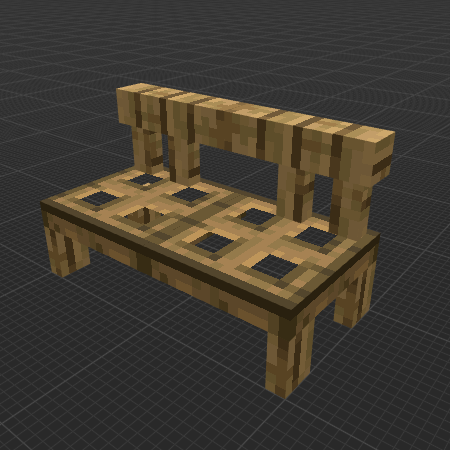
Description
The author recommends using the commands from the description for a better experience with the model
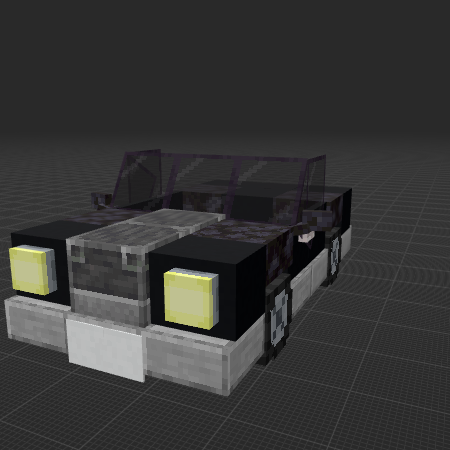
Original Author: _mornin_. Added interior, changed mudguards and added soft top. The car is Right Hand Drive, and has a Tasmanian number plate (sorry if it's your number plate, I chose a random one!) (No, I am not changing it to left hand drive, mainly because it is too much work for me. it has gearstick pedals steering wheel, brake; and I would need to move it all. But you can change it if you like, just please put my name and the original author's name in the description.)
The model contains
How do I move or rotate the model?
Use the editor window above to rotate or move the model as you want, and then click the Get the command button to get a new command.
If you want to make more changes or completely remake the model, open the full version of the editor using the Open in BDEngine button.
How to use it?
Via command blocks:
To use a command in the game, you need a Command Block, as the chat field in Minecraft has a character limit.
- 1. Open the chat on the "/" button and paste this command into it:
- 2. Place the Command Block in the desired location.
- 3. Right-click on the Command Block and specify in the Console Command field - this model's command, which you can copy by clicking on Get the command.
- 4. Change Need Redstone to Always Active.
- 5. Press Done.
Now you can destroy the Command Block and enjoy the installed model. Repeat the procedure several times if there are multiple model commands in the export window.
Via Axiom mod:
Be sure to install Axiom [modrinth] if you haven't already.
- 1. Click Get the command, select Command format: Axiom and copy the command.
- 2. Open the desired world in the game.
- 3. Use ctrl + V to insert a model into the world.
- 4. Click on the small white cube, next to the model, to move and rotate it.